Hades - Light C++ 3D Game Engine


Overview
A C++ 3D game engine with a Vulkan renderer, in-process C# scripting, spatial audio, and an ImGui-based editor. Built around a custom Entity-Component-System architecture.
The purpose is educational and experimental, to explore the intriguing world of game engine development and to enable quick use of environments created for machine learning/AI training through headless mode and a flexible API.

Features
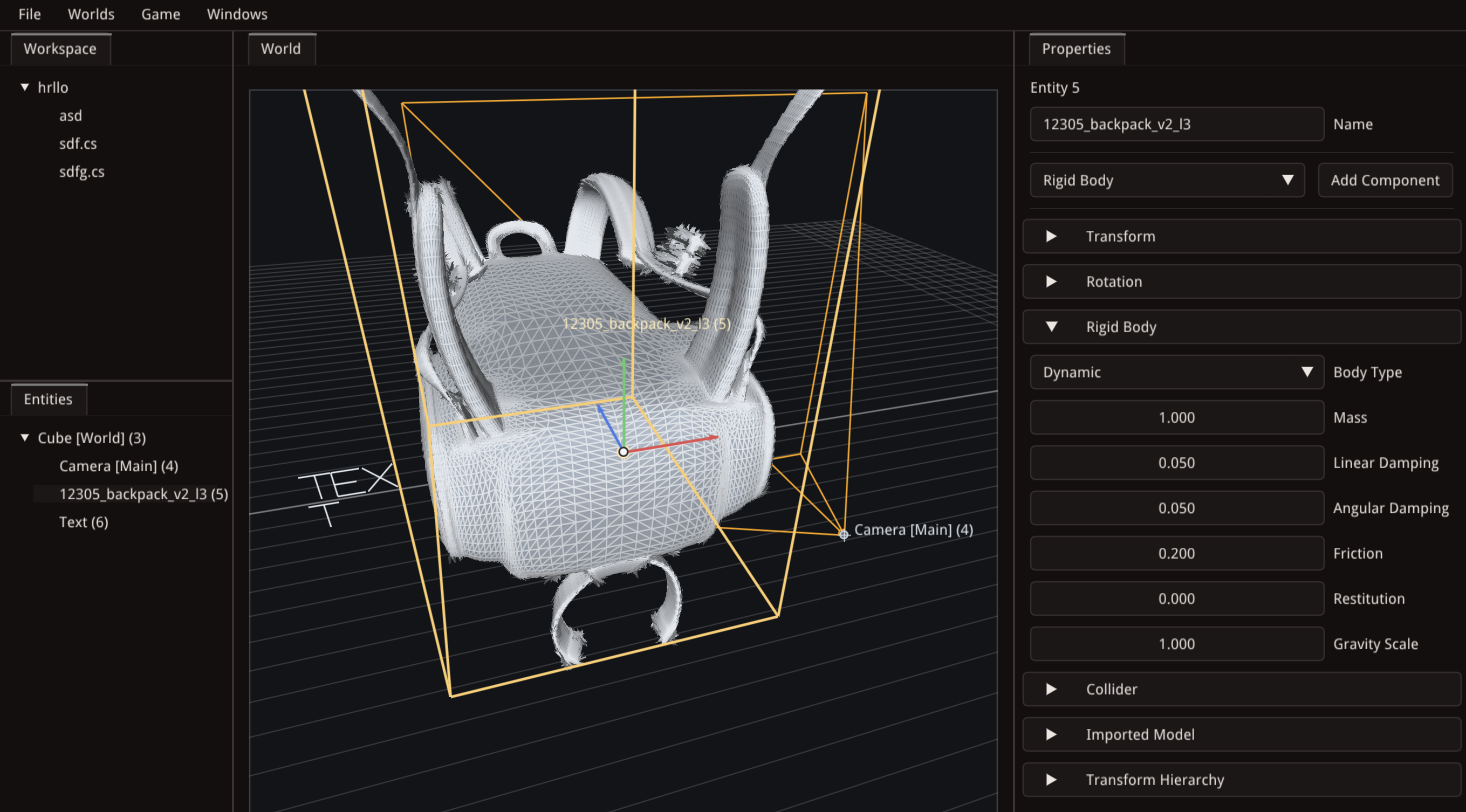
Rendering
- Vulkan-based renderer with swapchain management, frame synchronization, and debug validation layers
- ImGui integration with docking and multi-viewport support
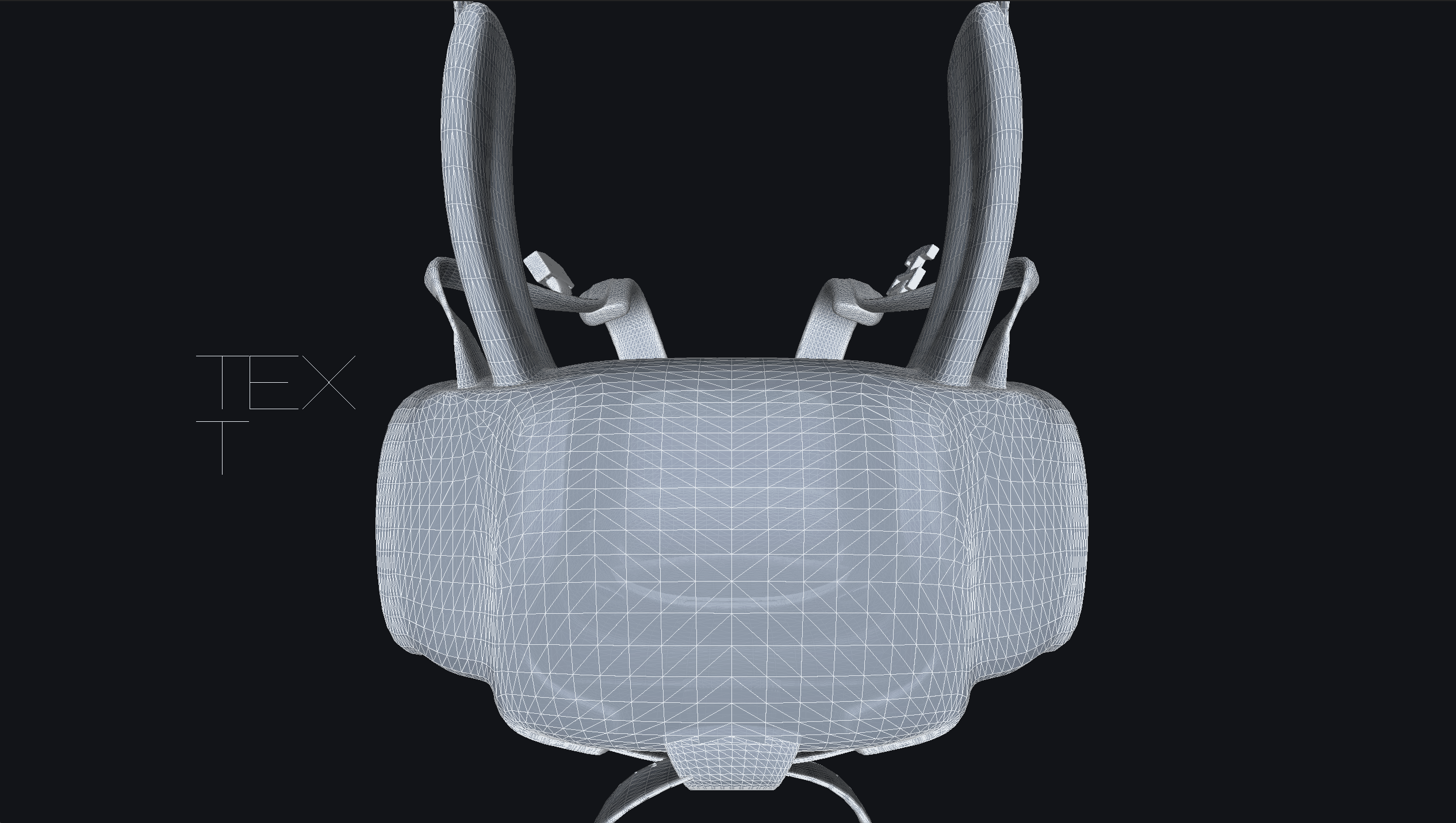
- Software-rasterized 3D model preview (wireframe and flat-shaded)
- Vector-based 3D text rendering with wrapping, line spacing, and Euler angle rotation
Entity-Component-System
- Custom ECS with
EntityManager,ComponentManager, andSystemManager - 13 component types:
PositionComponent2D,PositionComponent3D,TransformHierarchyComponent,CameraComponent,ModelComponent,RenderComponent,PrimitiveComponent,TextComponent,AudioSourceComponent,AudioListenerComponent,NameComponent,WorldComponent,ScriptComponent - 3 runtime systems:
AudioSystem,MovementSystem,RenderSystem - Parent-child entity hierarchy via
TransformHierarchyComponent - Multi-world scene management with default world selection
- JSON serialization for worlds and entities
Scripting
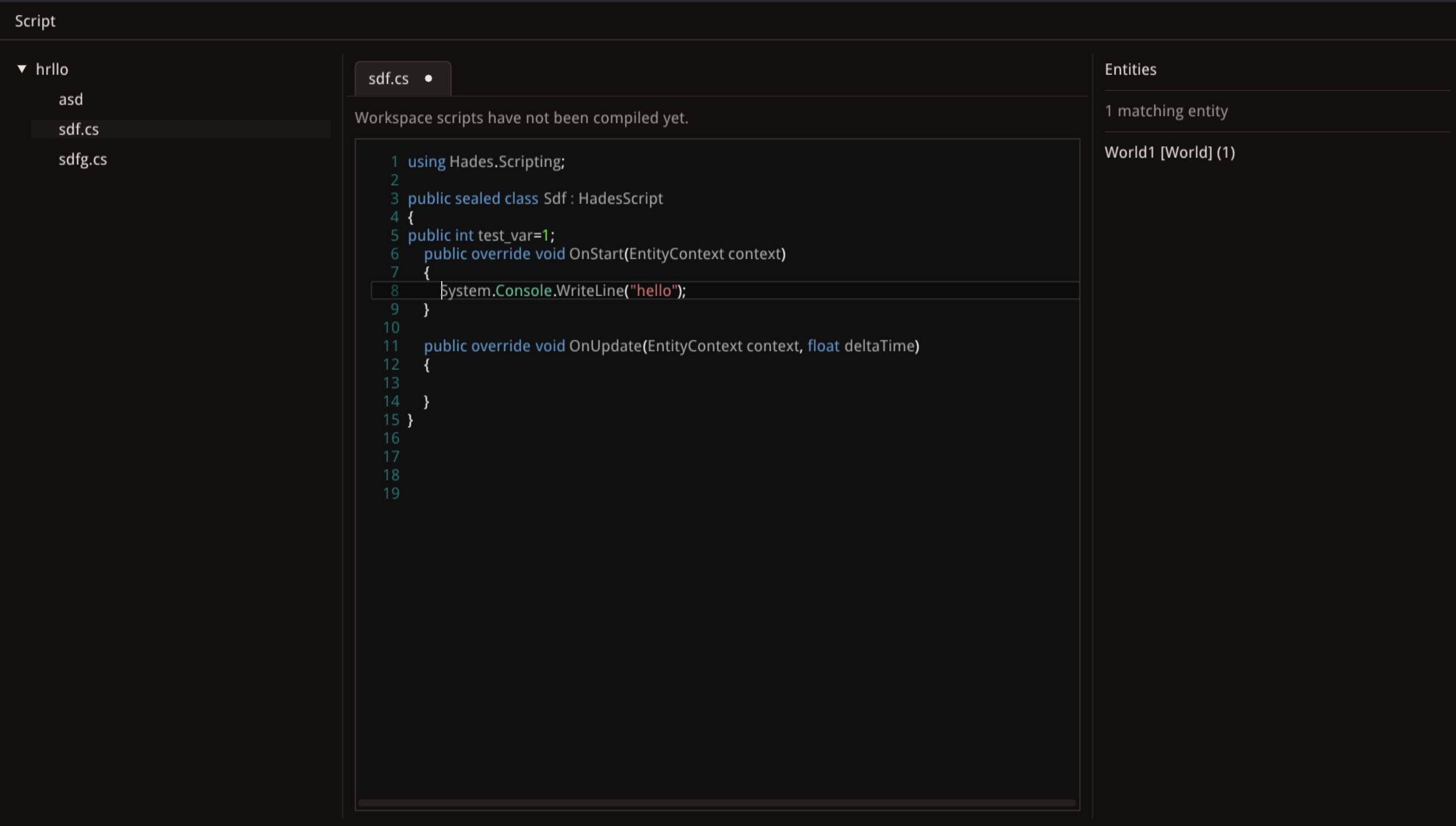
- C# scripting via in-process .NET CoreCLR embedding (hostfxr hosting API)
- Scripts compiled on play start via local
dotnet build(SDK 7.0+) - Zero-IPC overhead: managed code runs in-engine via native function pointers
- Blittable struct data exchange (no serialization)
- Background workspace script compilation with error reporting
- See SCRIPTING.md for details
Audio
- miniaudio-based audio engine with 3D spatial audio
- 4 audio buses: Master, Music, Sfx, Voice with independent volume control
- Per-source properties: volume, pitch, looping, streaming, spatialization
- Distance-based attenuation with min/max range and rolloff control
Asset Importing
- 3D model loading via Assimp (FBX, glTF, OBJ, DAE, 3DS, Blender, USD, and 40+ formats)
- Post-processing: triangulation, vertex deduplication, cache optimization
- Bounding box computation for imported models
Editor
- Workspace-based project management with file tree navigation
- Entity hierarchy panel with drag-based re-parenting
- 3D scene viewport with orbit camera and transform gizmos (per-axis drag)
- Properties and Components inspector with per-component editing
- Integrated script editor with syntax highlighting, multi-tab editing, and unsaved changes tracking
- Play mode with main camera validation, script runtime, and detached play window
- Debug Console panel with centralized error/warning/info logging, auto-open on errors, right-click copy, and "Copy All" button
- Settings panel with scene camera controls
- Plugin system for extending the editor with custom panels
Build & Platform
- CMake build system targeting C++17
- Cross-platform: macOS, Linux, Windows
- Unit tests via GoogleTest
- ECS benchmark tool
Entity-Component-System (ECS)
Custom built to build up a natural understanding of the pattern. The system is an essential component of the triad, acting on entities with specific components.
Build & Run & Test
Build
cmake -S . -B build
cmake --build build
To force fresh downloads instead of using lib/:
cmake -S . -B build -DHADES_USE_BUNDLED_DEPS=OFF
cmake --build build
Run
./build/Hades
Entity scripts are compiled when Play starts. Install a local dotnet SDK if you
want to attach .cs files to entities and run them in play mode on macOS,
Linux, or Windows. CMake captures the resolved dotnet path at configure time
when available, so rerun cmake -S . -B build after installing or moving the
SDK. You can also point CMake at it explicitly with
-DHADES_DOTNET_EXECUTABLE=/absolute/path/to/dotnet.
Test
cmake -S . -B build
cmake --build build
ctest --test-dir build --output-on-failure
ECS Benchmark
scripts/run_ecs_benchmark.py builds a small standalone benchmark binary around
the ECS core (EntityManager, ComponentManager, SystemManager) with an
optimized compiler invocation, so you can profile ECS hot paths without pulling
in the full editor or renderer build.
Run the default benchmark suite:
python3 scripts/run_ecs_benchmark.py
Tune the workload:
python3 scripts/run_ecs_benchmark.py --entities 250000 --frames 1000 --iterations 5 --warmup 1
The runner expects a C++17 compiler on PATH and writes the compiled binary to
build/benchmarks/ecs_benchmark.
Results captured on April 3, 2026 on Darwin arm64 with Apple clang 17.0.0
using the default benchmark settings (100000 entities, 500 frames,
5 measured iterations, 1 warmup iteration):
Hades ECS benchmark
config: entities=100000, frames=500, iterations=5, warmup=1

spawn_entities                       avg     0.447 ms  min     0.390 ms  max     0.487 ms  throughput 223734368.24 entities/s
spawn_and_attach_position_velocity   avg    64.682 ms  min    56.758 ms  max    76.831 ms  throughput   1546034.33 entities/s
system_update_position_velocity      avg  1598.043 ms  (  3.196 ms/frame)  min  1401.624 ms  max  2007.233 ms  throughput  31288267.51 entity updates/s
destroy_entities                     avg   314.592 ms  min   299.797 ms  max   331.084 ms  throughput    317871.80 entities/s
Scripting
For C# scripting workflow, runtime behavior, and the current limitations, see SCRIPTING.md.
Previous Versions
The engine has gone through several renderer backends in this repository: Metal, OpenGL, and now Vulkan (https://github.com/nenuadrian/hades-game-engine/tree/507e1d5c3bece7e09d78d668d4e3d652be0b2431).